If it's Draytek, do the following:
- Navigate to the ICNT Server ( Open Teamviewer -> Search for ICNT Server -> Enter the password )
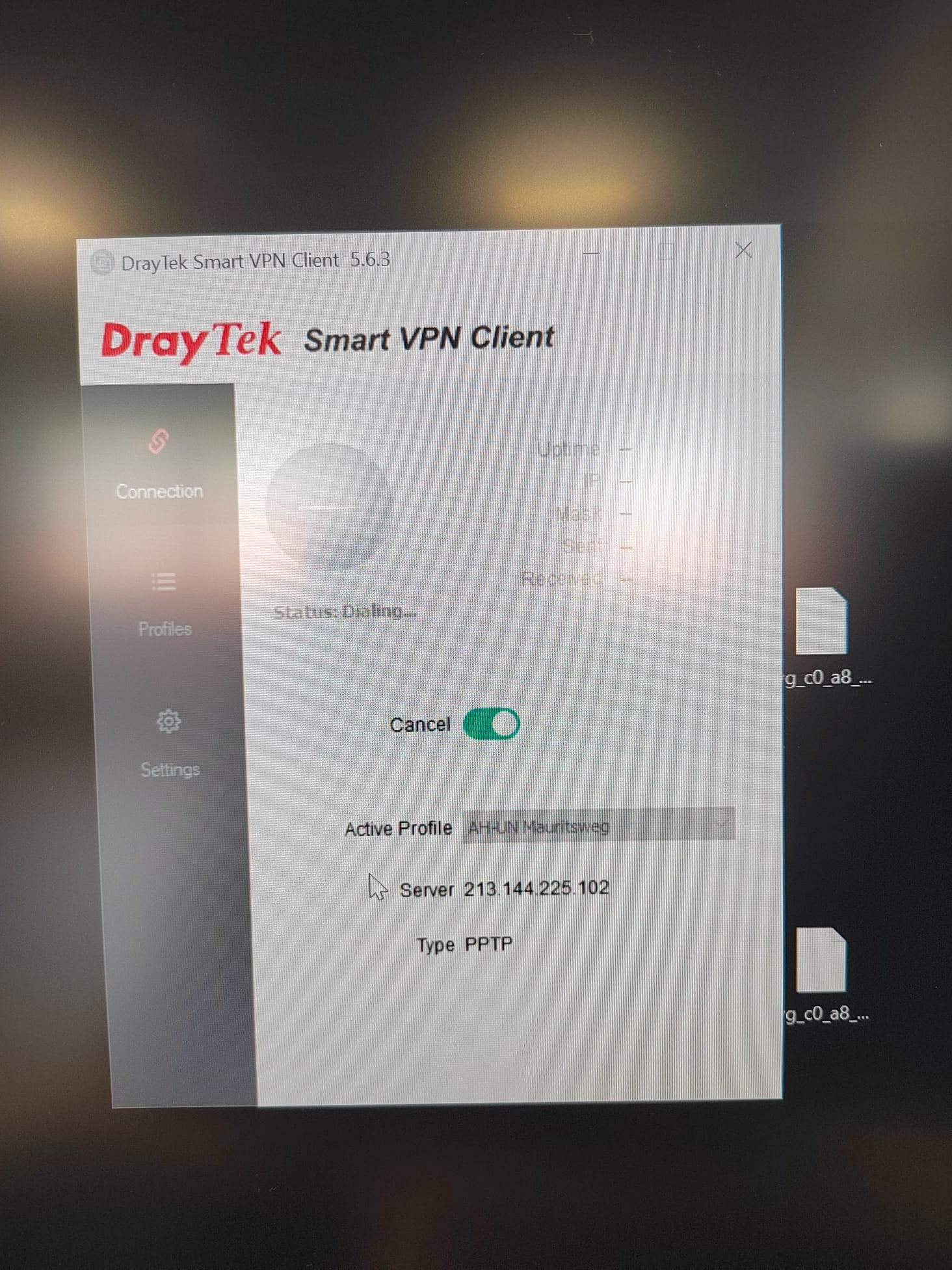
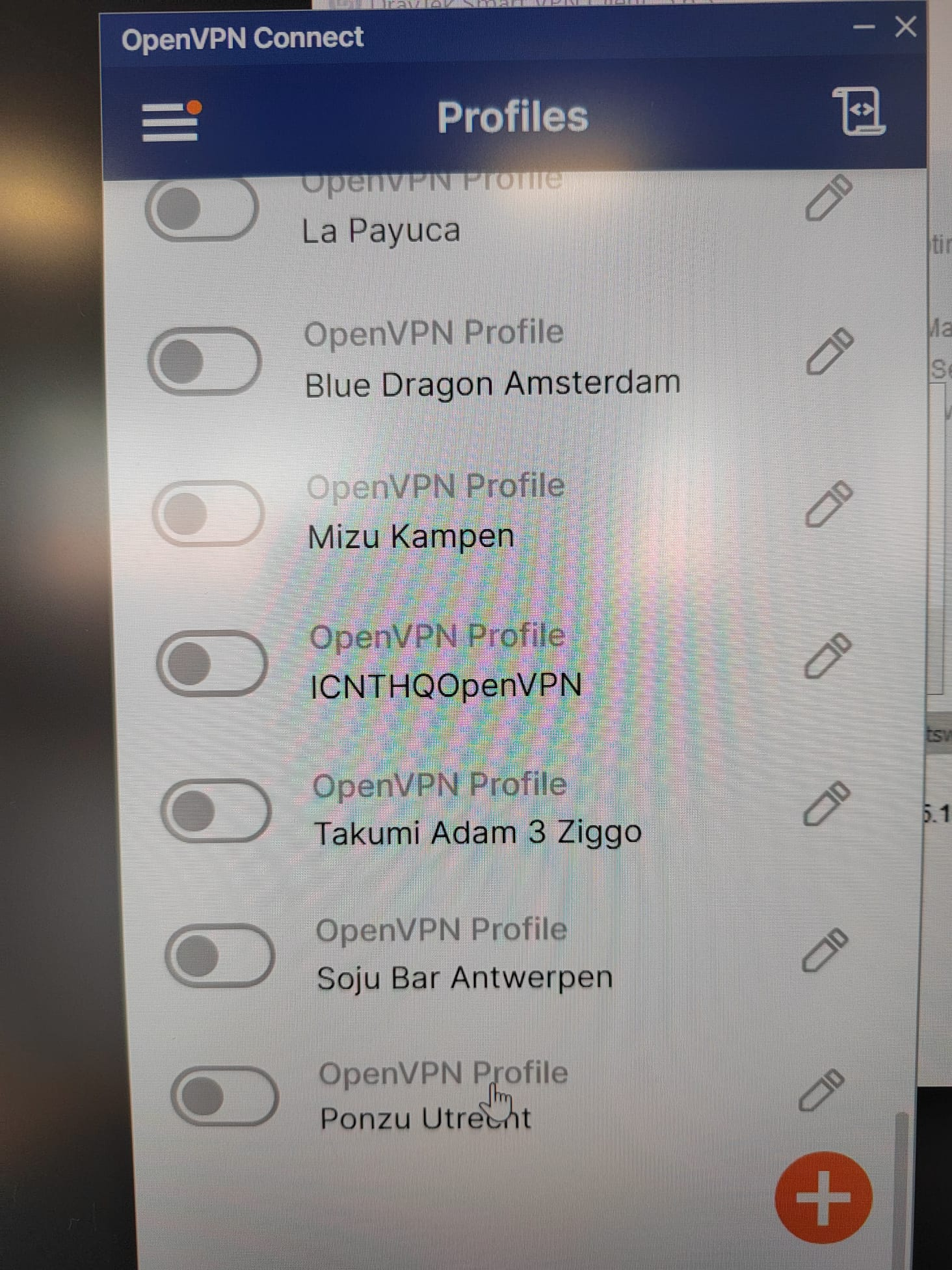
- Connect to the client server via VPN ( OpenVPN/DraytekVPN - it should be one of these, if not try Minifi/Wireguard for accessing the client server )
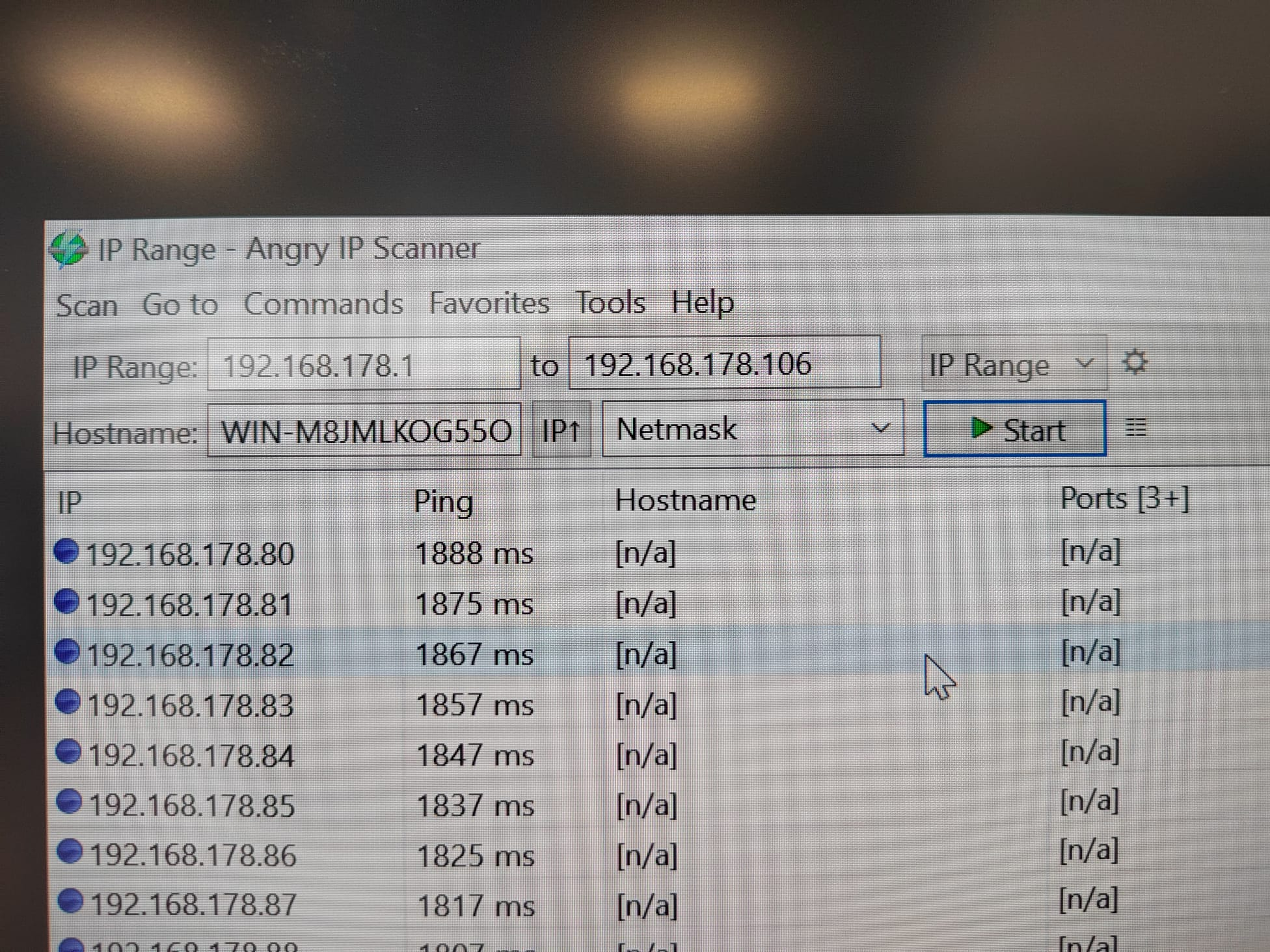
- Find the Router IP by scanning the network ( Use the IP range for scanning )
- Log into the Router ( Password is either in 1Pass or speak with Jeroen)
- Navigate to LAN , than select Bind it to MAC
- Add the IP and MAC address , then click OK
- After this you should tell the client to set the DHCP dynamically.
- After setting it Dynamically, ask the client to perform the following commands in CMD.
- ipconfig /release
- ipconfig /renew
Was this article helpful?
That’s Great!
Thank you for your feedback
Sorry! We couldn't be helpful
Thank you for your feedback
Feedback sent
We appreciate your effort and will try to fix the article